The Instrument Settings tab contains test set parameters which are global to the sequence as a whole (that is, they cannot be set up differently for different acquisitions in the sequence; they apply to the entire sequence and all of its acquisitions). These settings can be downloaded from Sequence Studio to the connected test set, or uploaded from the connected test set to Sequence Studio.
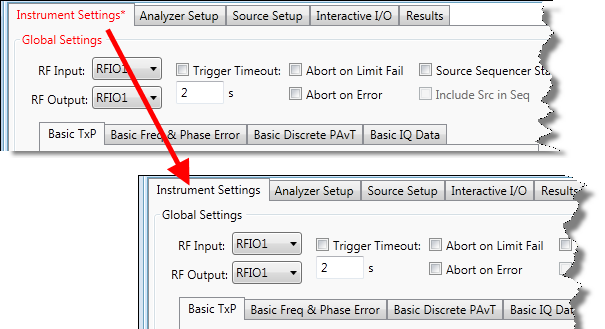
The title of the Instrument Settings tab is displayed in red, with an asterisk, if the current setting on that tab have not been downloaded to the connected EXT test set. After you click Download Instr. Settings, and the settings have been successfully downloaded (as indicated in the Status Bar), the tab title is then displayed in black.
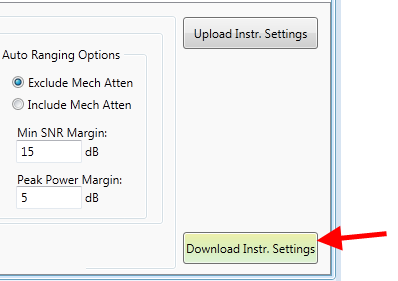
Click Download Instr. Settings to export the current instrument settings from Sequence Studio to the test set.
The title of the Instrument Settings tab is displayed in red, with an asterisk, if the current setting on that tab have not been downloaded to the connected EXT test set.
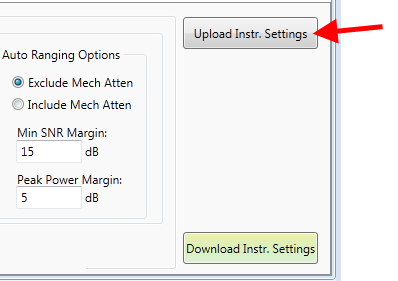
Click Upload Instr. Settings to import the current instrument settings from the test set into Sequence Studio.